
On your computerWorks offline
- Your notebooks, pages and handwriting
- Materials you upload, and their questions
- Flashcards, goals and progress
- The AI model, and every answer it writes
Hello
Free to start · Windows 10 and 11 · Version 1.0.0
Start here what it is
Notes that link, materials you can question, and flashcards that come back when they're due. The AI runs on your computer, so your notes stay with you.
 Illustra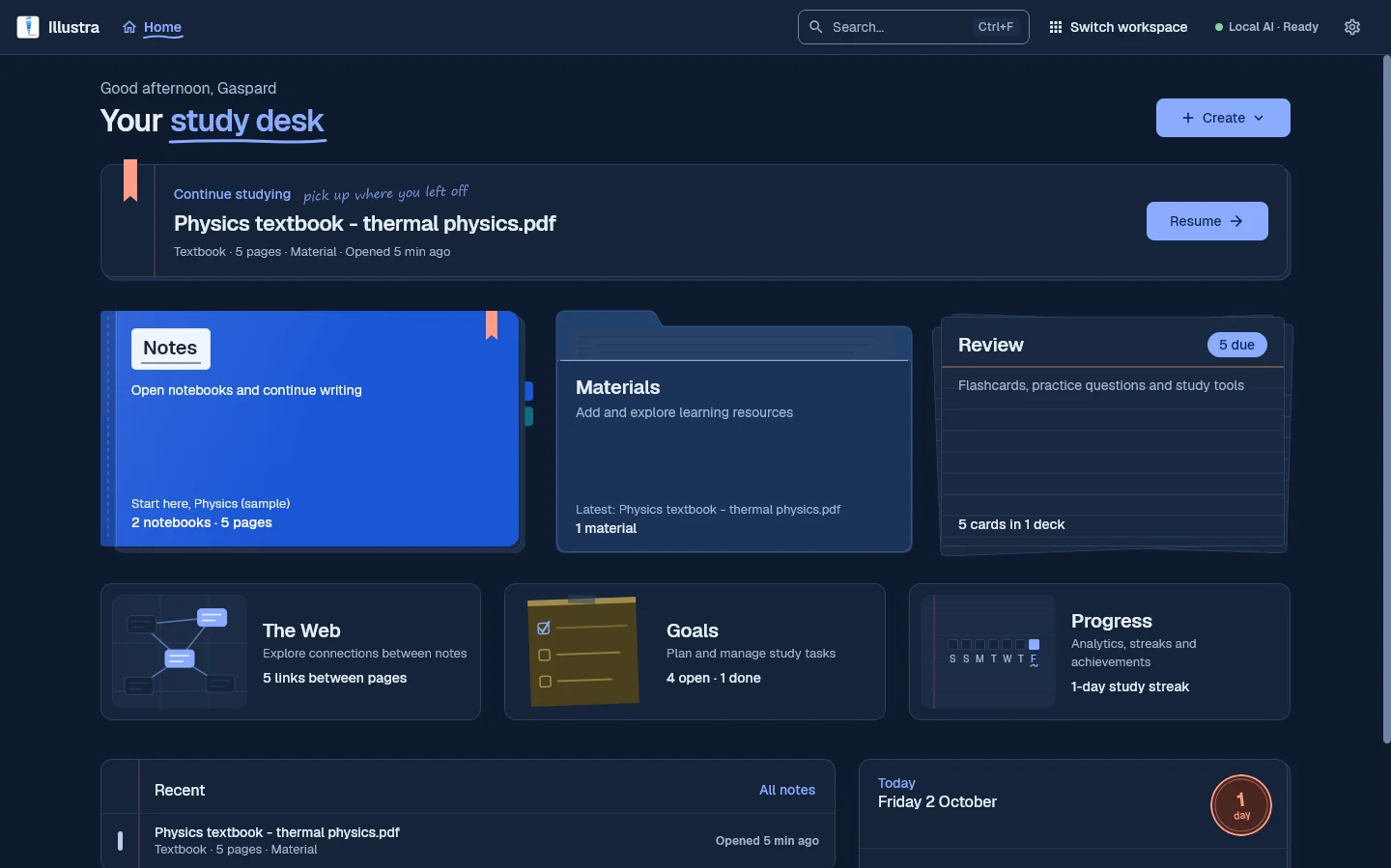
SEARCH THE APP
Type it the way you'd say it. Everything here is something the app does today.
A few places to start
THE DESK
Illustra's Home is a desk with six places to work. Pick one to see the real screen. Some of these were taken in dark mode and some in light, as the app comes with both.
Cell structure — Illustra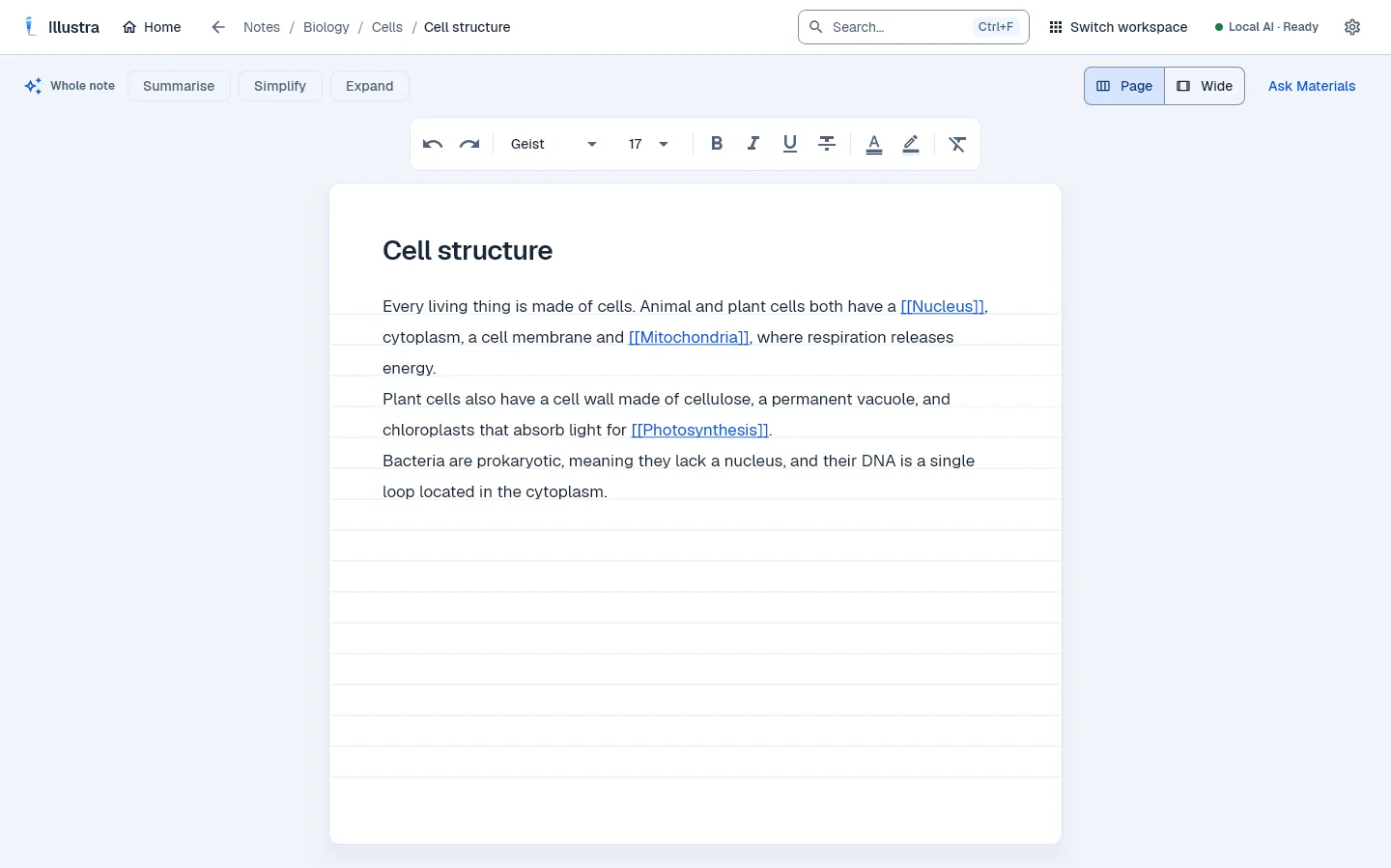
NotesLight mode
TRY IT HERE
Format it the way you would in the app: fonts, sizes, colours and highlights. Put a page name in [[double brackets]] and it joins the Web; write a line as “term — definition” and it becomes a flashcard. It all runs in your browser: nothing you type here is uploaded.
Type [[ to start a link and ]] to finish it. Select text to format it; Ctrl+B, Ctrl+I and Ctrl+U work too.
Links from here · 3NucleusMitochondriaPhotosynthesis
Drag the dots to rearrange them, as in the app.
Flashcards2 cards
In the app, the on-device AI writes flashcards and exam questions from your notes and materials for you. Here, only lines you write as “term — definition” become cards, so you can see the idea without any AI.
PRIVATE BY DESIGN
Illustra's AI is a model that runs on your own computer. Pick Scout, Scholar or Sage; it downloads once, and then the AI works with no internet at all.
The whole story is in the Privacy Policy. Signing in, backup and checking your plan need the internet; your notes and the AI don't.
THE MODELS
Most AI study tools send your notes off to someone else's computer. Illustra's AI downloads once and lives on yours: it stays private, works offline and is there whenever you are. Meet the three.
Switch between the models your plan includes in Settings → On-device AI.
PLANS
Every plan runs the AI on your own computer. Paid plans add more AI each week, more uploads, Review, PDF and backup. Cancel any time in Settings → Plan.
£0/ month
Everything you need to start
£4.99/ month
For steady, every-week studying
£14.99/ month
For heavier weeks
£19.99/ month
No weekly limits
You get a paid plan inside Illustra, in Settings → Plan, so it goes straight to your account and starts a few seconds after you pay. Payments are handled by Stripe. How to get a plan
| Feature | Free | Plus | Pro | Ultra |
|---|---|---|---|---|
| Notebooks | 3 | Unlimited | Unlimited | Unlimited |
| AI actions a week | 10 | 30 | 60 | Unlimited |
| AI models | Scout | Scout, Scholar | Scout, Scholar | Scout, Scholar, Sage |
| Material uploads a week | 1 | 3 | 5 | Unlimited |
| AI flashcards | 5 a week | ✓ | ✓ | ✓ |
| Spaced-repetition Review | — | ✓ | ✓ | ✓ |
| Download a notebook as PDF | — | ✓ | ✓ | ✓ |
| Account backup | — | ✓ | ✓ | ✓ |
An AI action is one press: Summarise, Simplify or Expand, a chat message, Make flashcards, Key points, a set of exam questions, or marking an answer. However long the note, it counts once. Allowances start again every Monday.
Learn more about plansGET ILLUSTRA
Download the installer, sign in with a free account, and Illustra fetches its AI model once. About 200 MB for the app, then about 480 MB for the first model.
Available for Windows 10 and 11 (64-bit)
Version 1.0.0
Download link to be confirmed
Release status to be confirmed
Want Illustra on another device, or stuck installing?
Email hello@illustraedu.com Installation & supportA study app for Windows. Notes that link to each other, materials you can ask questions of, exam practice with a mark scheme, and flashcards that come back when they're due, with an AI that runs on your own computer.
No. The AI is a model that runs on your computer, so your notes are never sent anywhere to be answered. Your account holds your email, name and plan, and on Plus and up a private backup of your library that you can switch off. The Privacy Policy has the detail.
Yes, once you've signed in and the AI model has downloaded. Signing in, backup and checking your plan need the internet; your notes and the AI don't.
Windows 10 or 11 (64-bit) and about 1 GB of free disk space. 4 GB of memory or more is recommended. Scout, the smallest model, needs about 1.2 GB of memory; Sage needs about 2.4 GB.
Yes, a free one, and you need to be 16 or over. Without signing in you can look around the app, but not use it.
Yes, so treat it as a study aid. Summarise, Simplify and Expand check each sentence first, answers from your materials say which page they used, and a practice question is only kept if its mark scheme matches your material. Check anything important against your course.
Inside the app: Settings → Plan. Your plan belongs to your account, so Illustra switches over by itself a few seconds after you pay. Payments are handled by Stripe. If you already pay for a plan, the app changes it for you instead of selling you a second one.
Cancel any time in Settings → Plan → Manage subscription; you keep the plan until the end of the month you've paid for. If you change your mind within 3 days of your first payment, email hello@illustraedu.com for a full refund.
No. It runs in your browser and nothing you type is uploaded. It shows how links and flashcards behave; in the app, the on-device AI writes flashcards and exam questions for you.